Free wedding planner PDF: 11 pages to print
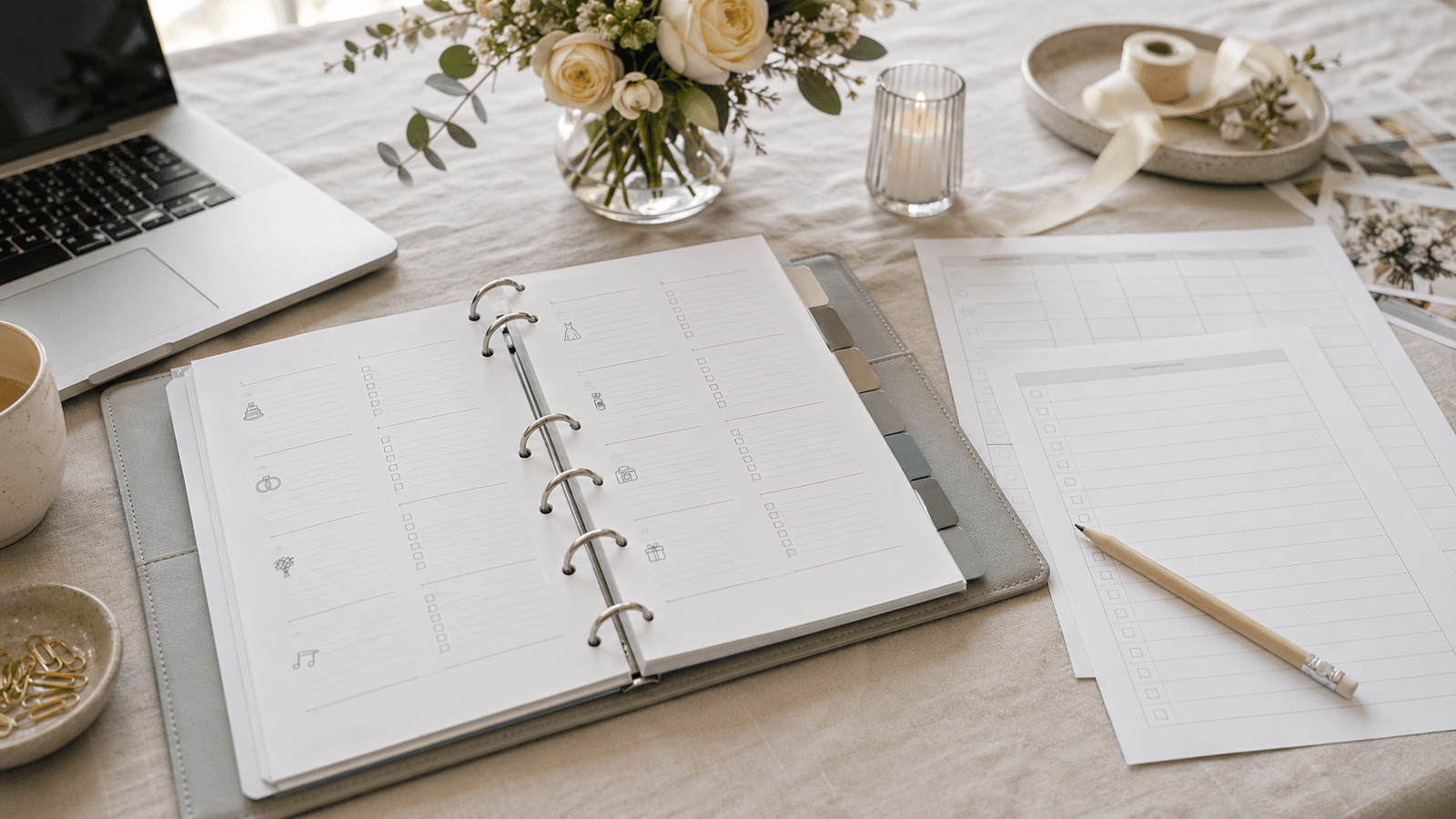
A wedding planner PDF is the simplest way to get everything that has been running through your head since the engagement down on paper. On eleven pages you have a checklist, a budget, a guest list, suppliers, questions for the venue, the day's schedule, a seating plan and final checks.
Download the wedding planner PDF · 11 A4 pages, free and without registration.
Print the planner and fill it in gradually as the wedding approaches. You don't have to complete it all at once. Below you will find what each page contains, how to work with it and when it is worth moving to online planning.
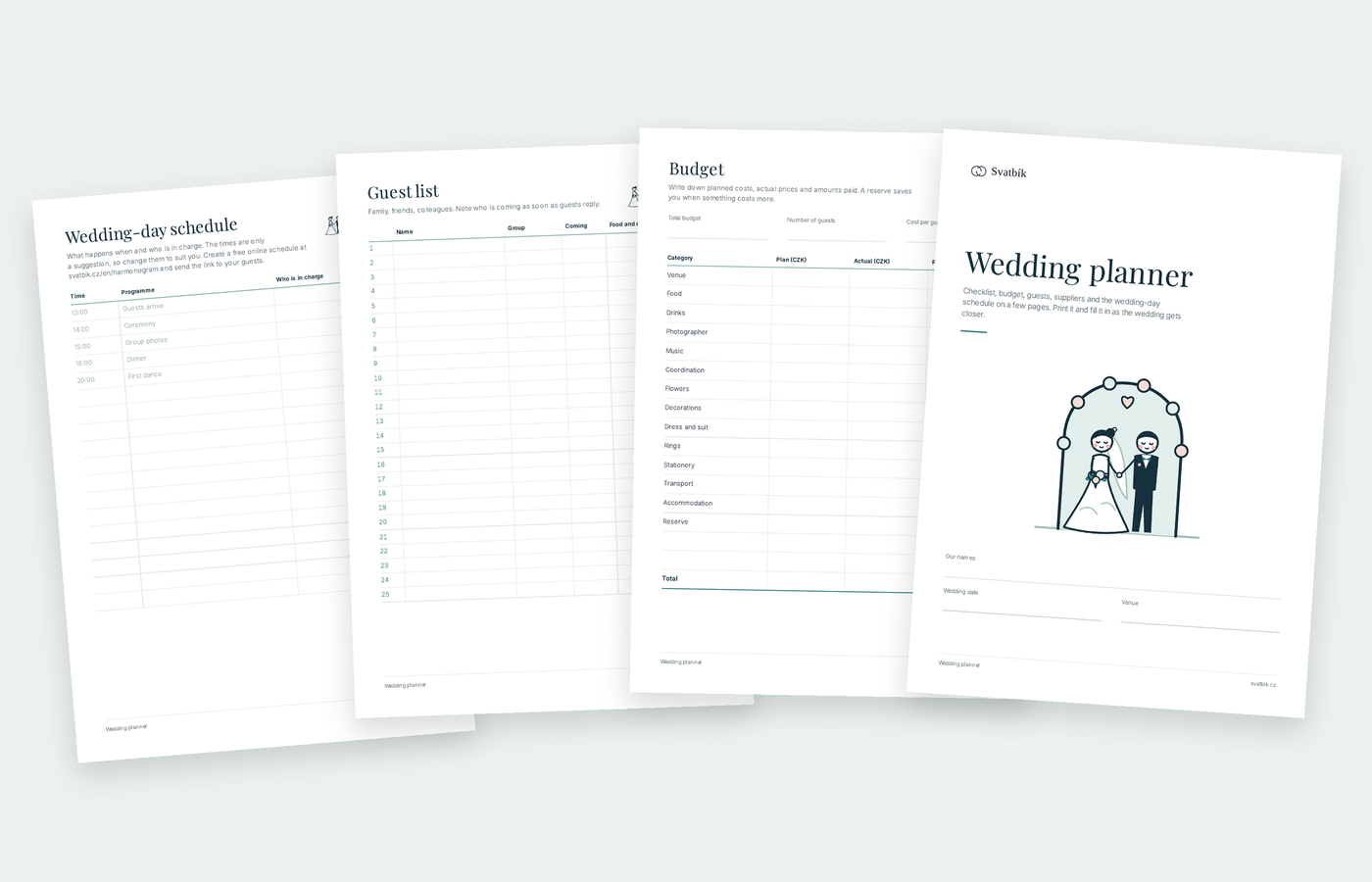 A paper plan works brilliantly for the first framework. Once things start to change, it pays to move to a live overview.
What you will find in the planner
| Page | What is on it |
|---|---|
| 1 | Cover page with your names, the date and the place |
| 2 | The basics (date, venues, number of guests, style, budget) and important contacts |
| 3 | What to do when: tasks from twelve months ahead to the last week |
| 4 | Budget: planned, actual and paid amounts in fourteen categories |
| 5 | Guest list: name, group, attendance, food and notes |
| 6 | Suppliers: contacts, prices, deposits and status (asked, confirmed, paid) |
| 7 | Questions for the venue: three venues compared on the same questions |
| 8 | Wedding day schedule: time, programme and who is in charge |
| 9 | Seating plan: space to sketch the tables and notes |
| 10 | Final checks: the week before the wedding, the wedding day and after |
| 11 | How to continue planning online |
How to work with the planner
- Start with the basics. The date, the approximate number of guests and the budget. Every venue and supplier will ask you about these three things.
- Go through the checklist. The "What to do when" page is sorted by months before the wedding. Tick things off as you go and feel free to change the order.
- Take the planner to venue viewings. The page of questions for the venue helps you ask the same things everywhere: capacity, hire price, catering, corkage, how late the music can play, plan B for rain, accommodation and cancellation terms. You will find venues all over Czechia in the Svatbík catalogue.
- Write down prices and deposits. In the budget and the supplier pages, note the planned amount, the actual quote and what has already been paid. It saves you searching through emails.
- Leave the last week for the end. The final checks page covers the things that are easy to forget on the day: ID cards for the ceremony, the rings with the witness, an emergency kit or someone to take the gifts and decorations home after the wedding.
 The planner doesn't have to be finished all at once. Fill it in gradually as the wedding approaches.
Printing tips
- Print on A4, double-sided if you like. Pages can also be printed individually, for example just the guest list in several copies.
- The planner fits nicely into a ring binder. You can then add and move pages around.
- If you expect more than 25 guests, print the guest list page two or three times.
- Use a pencil on the seating plan page. The seating plan changes until the very last moment.
When to move from paper to online planning
A paper planner is great for thinking the wedding through at the start. But once guests' replies, supplier quotes and changes in timing start coming in, paper is not enough. This typically happens two to four months before the wedding.
On Svatbík, you can carry on smoothly from the paper version:
- The wedding day schedule is free. You send your guests one link, and when something changes, they see the new version.
- The QR gallery is also free. Guests upload their photos from the wedding from their phones, without an app.
- The guest list with RSVPs, the seating plan, the budget and tasks with reminders are part of Svatbík Premium. You pay once, with no subscription.
You don't have to copy everything over. It is enough to move the parts that change most often: guests, the budget and the schedule.
Frequently asked questions
Is the planner really free?
Yes. You download the PDF without registering and without entering an email.
Can the planner be filled in on a computer?
The planner is designed mainly for printing. If you want to plan on a computer or a phone, use online planning on Svatbík, where your data is saved as you go.
Is the planner suitable for a small wedding?
Yes. For a small wedding, just skip the pages you don't need, such as the seating plan or a long list of suppliers.
When should we start filling in the planner?
Ideally right after the engagement, before you start asking venues for quotes. The date, the number of guests and the budget are the first three things you will need.
What to open next
Wedding venues on this topic
Related articles
- Wedding checklistA wedding checklist from the engagement to the big day: venue, registry office, guests, suppliers, dress, rings, schedule and final checks.
- Everything to arrange for a wedding: paperwork, venue, guests and the day itselfEverything to arrange for a wedding in Czechia: registry office and documents, venue and suppliers, guests, outfits, the day itself and after, with fees.
- What a wedding costs in Czechia: 2026 prices and budgets by guest countA wedding in Czechia usually costs CZK 160,000–750,000. Prices of every item from 2026 price lists, what drives the cost, hidden costs and how to set a budget.